· astrophotography · 2 min read
The life before Bluetooth
I got blocked because I didn't have a non-Bluetooth keyboard and mouse to connect to my Raspberry Pi.
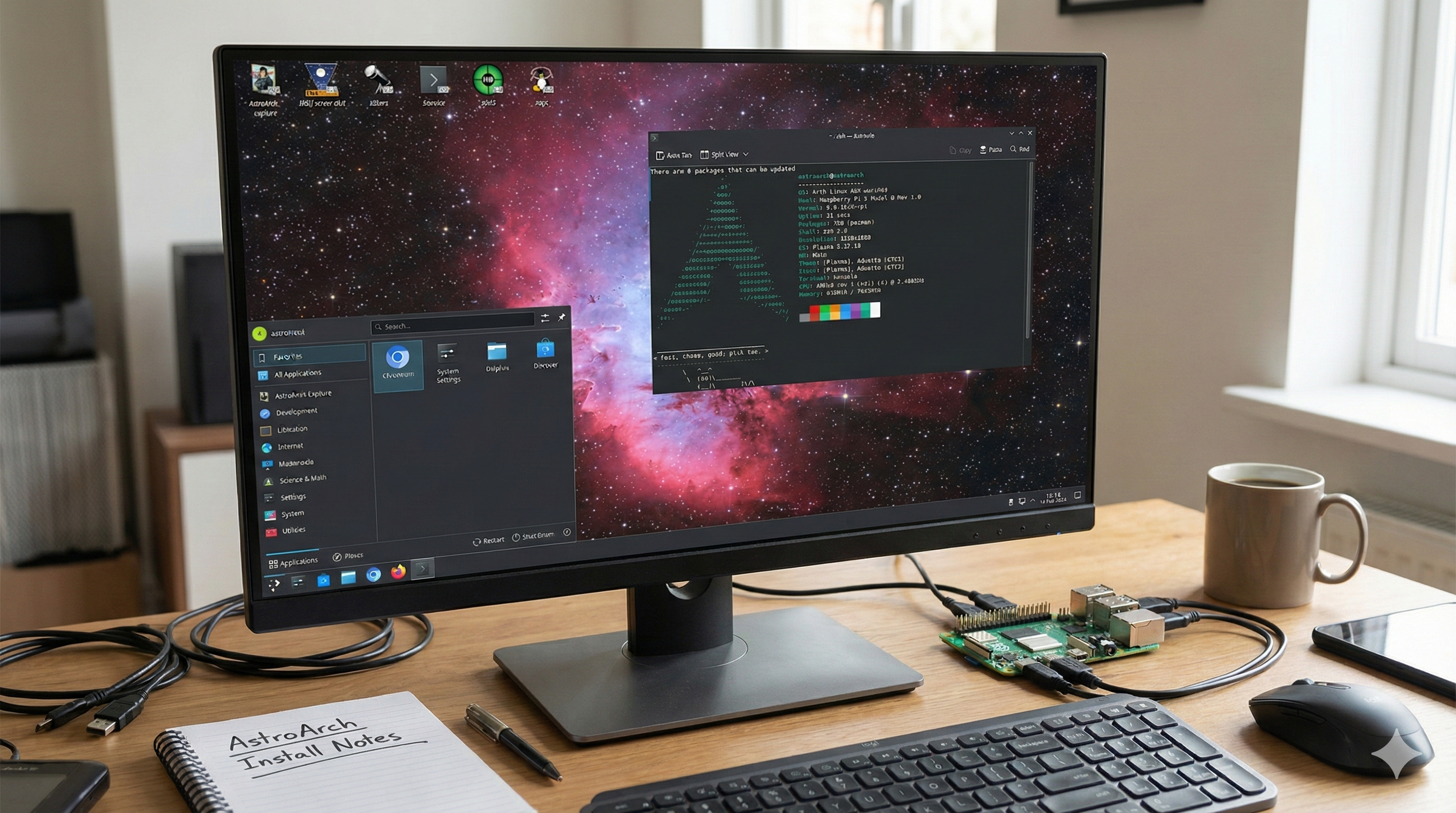
Today I decided to use AstroArch as the OS for my Raspberry Pi 5.
I used the Raspberry Pi Imager for macOS to install the OS on the SD card, using the ISO image stored in Google Drive.
After booting the Raspberry Pi 5 and waiting for a few minutes, I never got the local Wi-Fi promised in the documentation.
Luckily, I had already bought a Mini HDMI to HDMI cable to connect the Raspberry Pi 5 to a monitor via HDMI. You can read more about that setup in A box to control all.
With the monitor connected, I was able to determine that the system booted successfully, but it was waiting for the typical setup regarding time zone, language, and other settings.
The problem is that Linux is not great at detecting Bluetooth by default, so I was locked out again. In this aspect, Indigo Sky was better because the auto-install works perfectly.
My problem is that, like many households, I don’t have a non-Bluetooth keyboard and mouse to connect to my Raspberry Pi. So, I had to buy a normal keyboard and mouse that connect via a USB-A cable.
Now, I will have to wait a few more days to try again. I am learning that astronomy is a sport that requires a lot of patience, like cricket.
Stay tuned for the next post.