· astrophotography · 2 min read
A box to control all
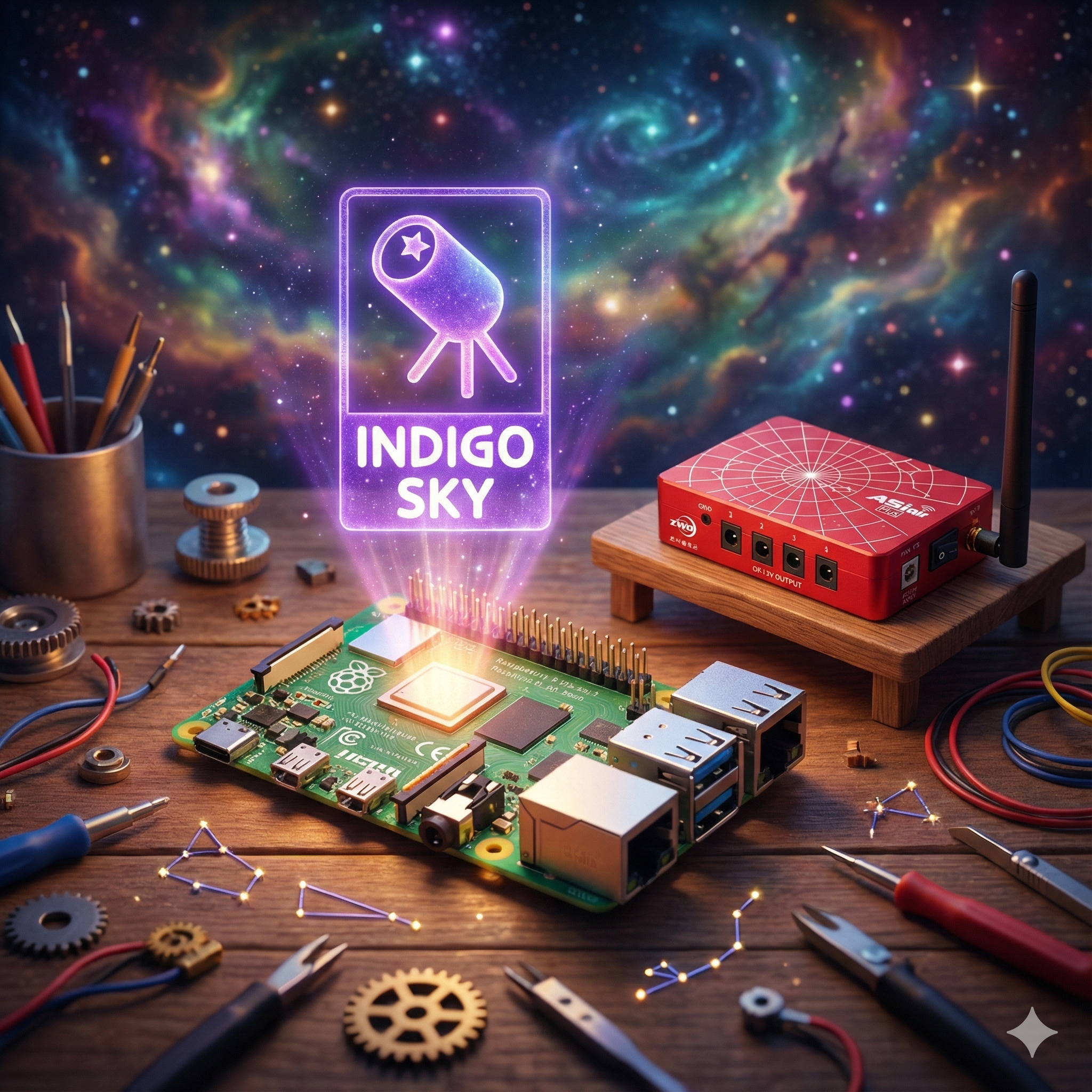
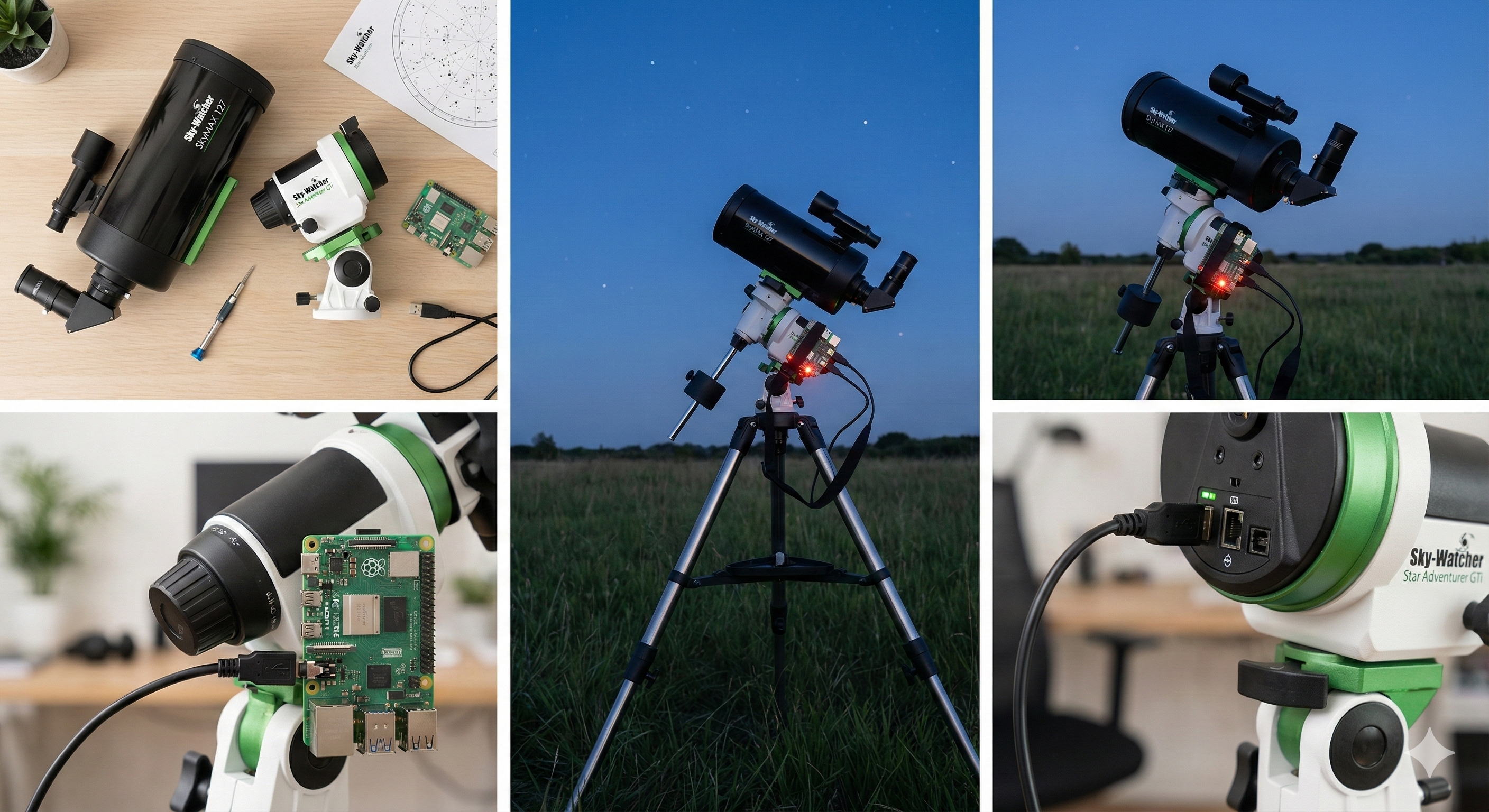
Modern astrophotography requires a computer to orchestrate all the gadgets.
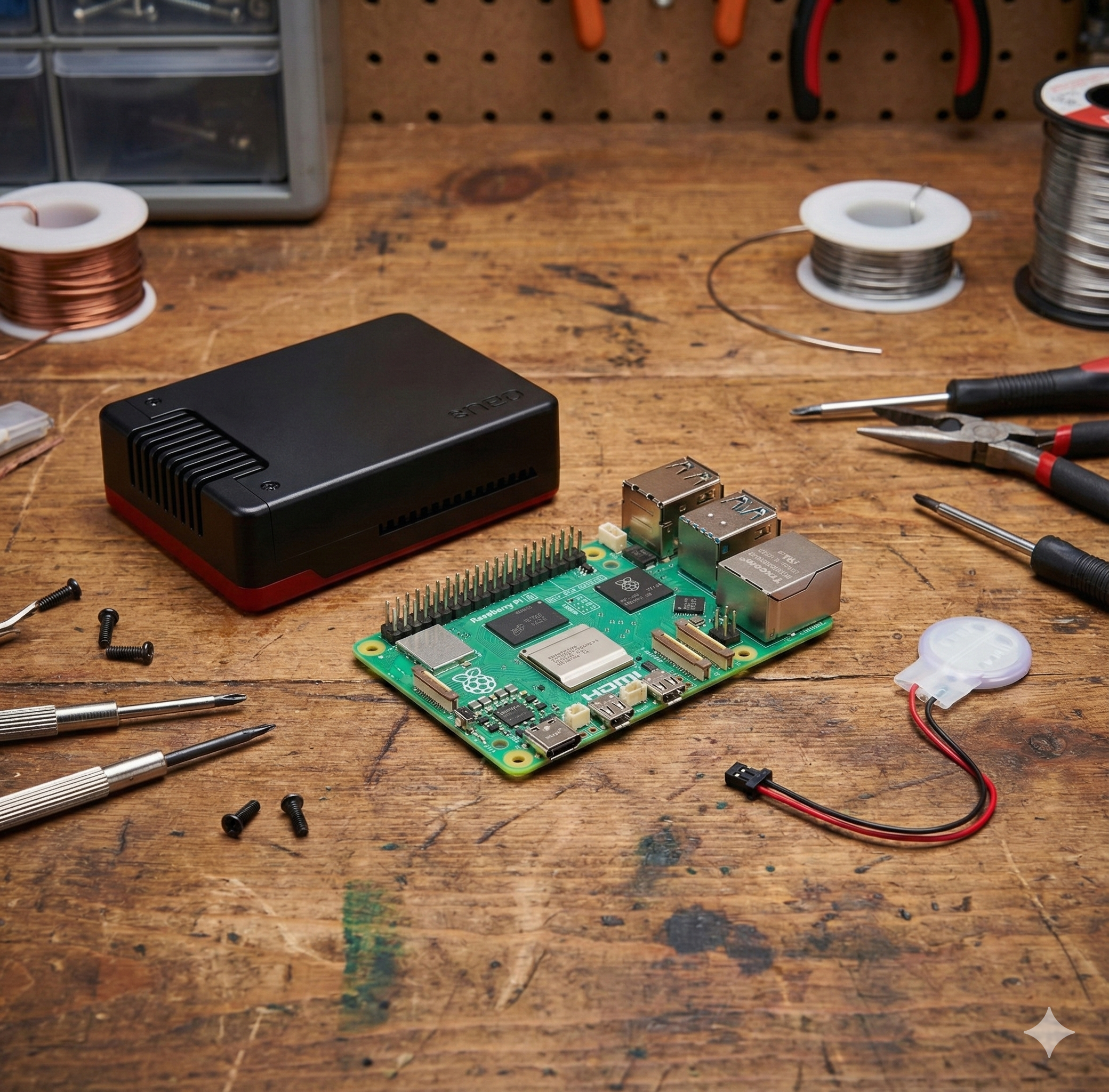
As soon as I began to understand modern astrophotography, I found that there are a lot of gadgets to control to make your life “easier” and, certainly, to improve the quality of your photos.
I found that there are several options. One could be bringing your laptop and controlling everything from there, but that would require a power source that increases complexity and costs. Not to mention that laptops are not built to be outside facing heat, humidity, and dust.
That is why I chose to use a Single Board Computer: the famous Raspberry Pi. In my case, the latest model, the Raspberry Pi 5.
The setup
Obviously, I had to get a Raspberry Pi, but I was concerned about having the board without protection, so I bought:
The good thing about the Argon Neo Box is that it has a fan to cool the board, as it seems the processing for astrophotography generates a lot of heat.
I need the power supply for indoor locations for the initial setup and future updates.
The bad thing is that when I put the Raspberry inside the box and started using it, I noticed that upon restarting the system, the clock was incorrect and I had to set it manually.
Why? Because the Raspberry Pi doesn’t have an RTC (Real Time Clock) battery to keep the time when the power is off. Sadly, I initially bought the wrong RTC battery module, so I had to order the official one.
In addition, I bought the official:
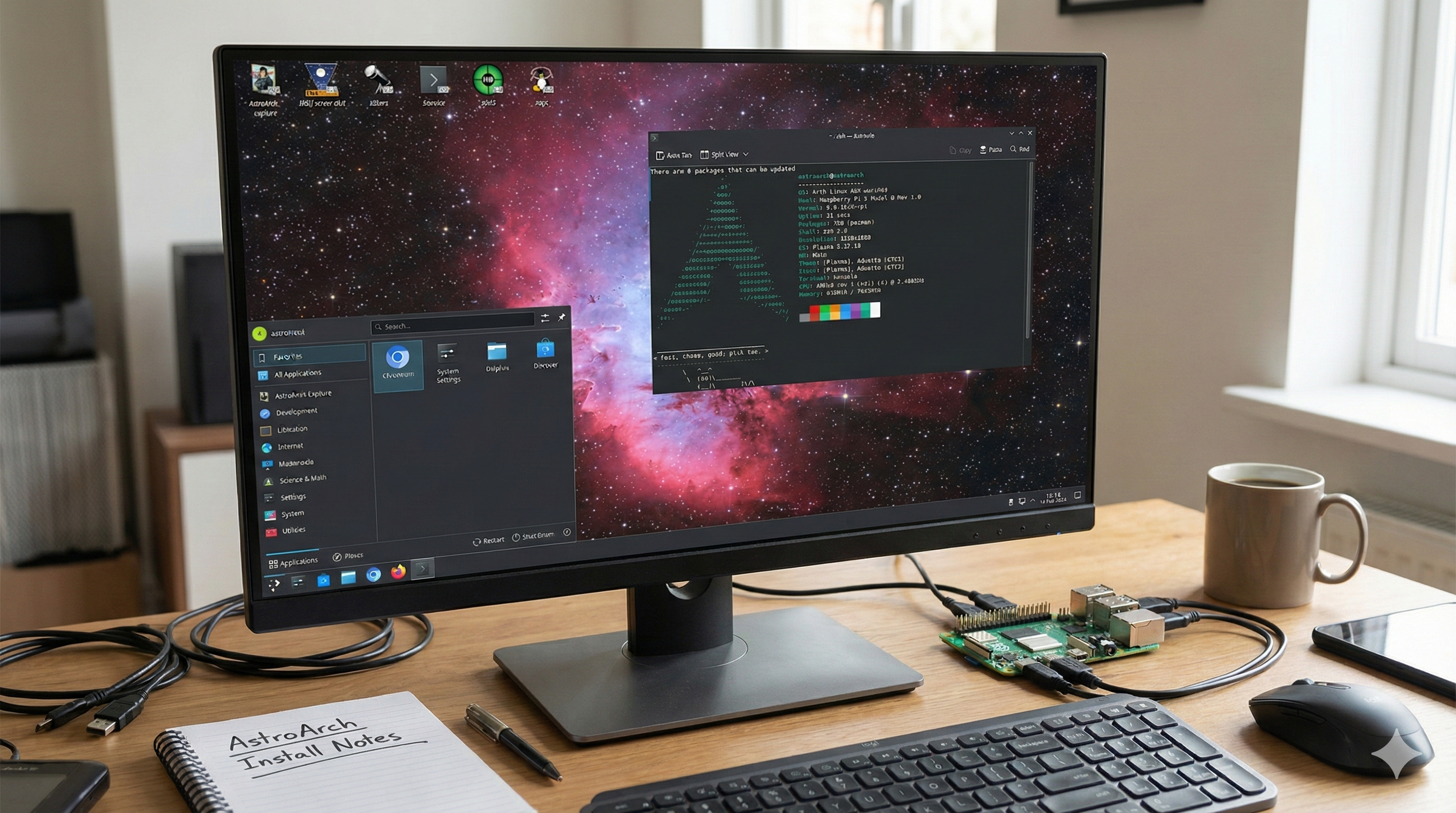
I was having some issues with the OS and network connection, so I needed monitor access, but I will talk about that in another post.
I know it might sound like a small thing, but having my Raspberry Pi 5 enclosed and “working” is a big achievement for me.